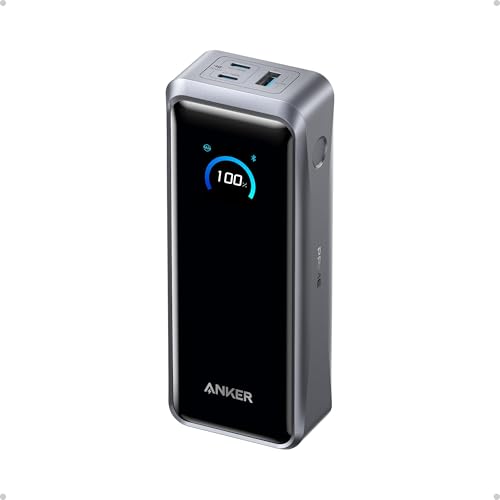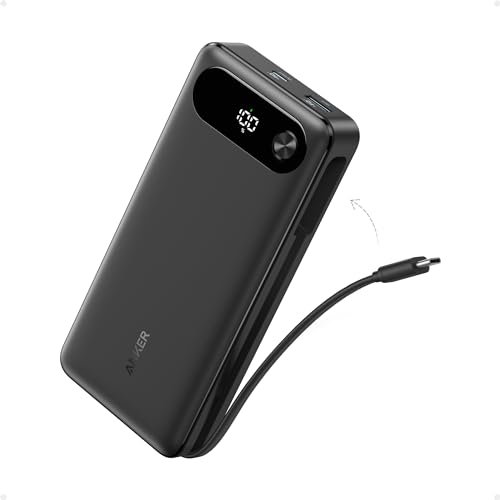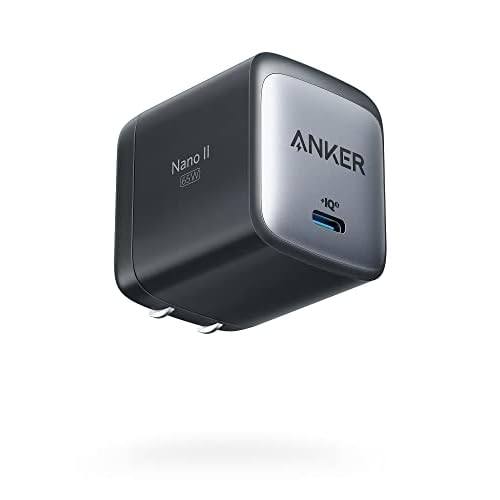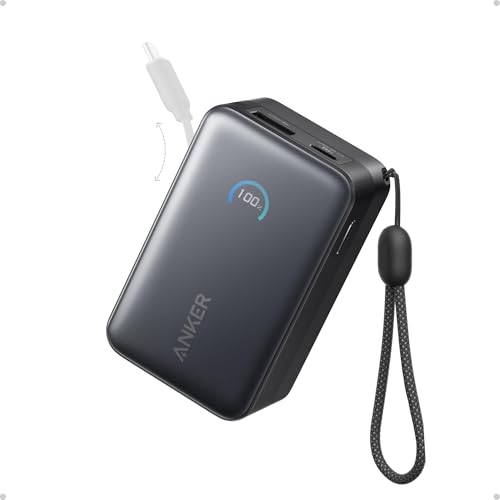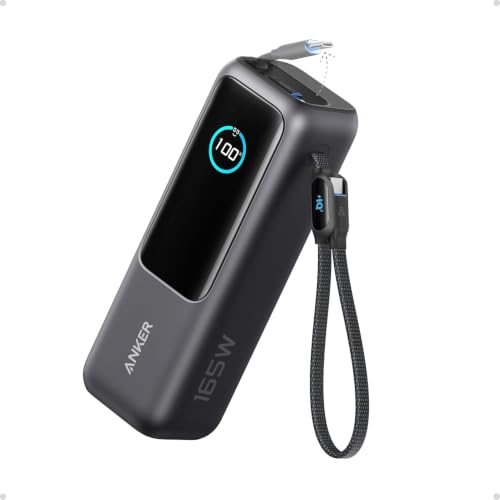
Anker’s 165W figure is shared across two USB-C connections, with up to 100W from either one; it is not 165W for a single laptop. This is a source-based analysis, not a Protein Picks hands-on test. Anker specifications Anker power allocation
Power allocation and key specs
| Situation | Anker’s rating |
|---|---|
| Battery and connections | 25,000mAh / 90Wh; two built-in USB-C cables, one USB-C port, one USB-A port |
| One USB-C connection | Up to 100W |
| Two USB-C connections | Up to 165W shared; no connection exceeds 100W |
| USB-C + USB-A | Up to 100W + 33W |
| Three or four connections | Up to 130W total: 100W priority, 30W shared across the rest |
| USB-C recharge input | Up to 100W through either built-in cable or the USB-C port |
| Weight | 595g / 20.99oz |
These are Anker’s specifications and allocation ceilings, not measured sustained speeds. Anker says the listed multi-device allocations require at least 78% battery charge. Anker specifications Anker power allocation
What works and trade-offs
What works
- Two built-in USB-C cables reduce what you need to pack for a laptop and another device.
- The display shows remaining charge and live input/output power. Anker product page
Trade-offs
- A single USB-C connection tops out at 100W, and additional devices share a lower power budget.
- At 595g, it is heavy for a phone-only outing. Anker specifications
Does the Anker 25K power bank deliver 165W to one laptop?
No. Either built-in USB-C cable or the separate USB-C port is rated for up to 100W on its own. Any two USB-C connections can dynamically share up to 165W, with a 100W ceiling on either connection. A USB-C device plus a USB-A device can draw up to 100W and 33W respectively. Your laptop must support the negotiated USB-C charging profile to draw the available power. Anker specifications Anker power allocation
With three or four devices attached, Anker caps total output at 130W: one prioritized USB-C connection can receive up to 100W, while the other two or three connections share 30W. Anker says its published allocation figures require at least 78% battery charge and that output falls at lower charge. So four connected devices do not each get a fast-charge lane. Anker power allocation Anker product page
Are the built-in cables worth the carry weight?
One USB-C cable retracts into the bank and extends about 70cm / 27.6in. The other is about 30cm / 11.8in and forms a carrying loop when stowed. A separate USB-C port and USB-A port make four charging connections in total. The display shows remaining charge and live input/output information, which helps you see when a second device changes the power split. Anker specifications Anker product page
The built-in cables save packing two leads, but this is a substantial item: Anker lists 157 x 54 x 49mm and 595g / 20.99oz. Our buying judgment: the convenience matters most when you already need laptop backup power and both devices use USB-C. If you only need a phone top-up, attached cables alone are a weak reason to carry this much bank. Anker specifications
For smaller options and the trade-off between attached cables, output, and weight, see our power banks with built-in cables guide. For a laptop-first comparison, see power banks for laptops. To compare this bank with Anker’s higher-output Prime, read A1695 vs A110A or the A110A review.
How quickly does it recharge?
Anker rates USB-C input at up to 100W through either built-in cable or the USB-C port, and gives roughly two hours with a suitable charger under its stated conditions. Peak input is a ceiling, not a constant rate. In an exact-model UK test, Expert Reviews reported that its unit briefly reached peak recharge power, then settled around 50W and took about two hours. That observation is theirs and may vary with charger, temperature, and charge level. Anker specifications Expert Reviews test
Expert Reviews also measured roughly 70W into one MacBook Air and 63W into a second laptop without reducing the first laptop’s observed rate. Those are observations on their devices, not a guarantee for other laptops. Expert Reviews test
Can the 25,000mAh Anker A1695 go on a plane?
Anker rates the bank at 90Wh. Under current US FAA guidance, a lithium-ion power bank up to 100Wh can generally travel in carry-on baggage, but a power bank cannot go in checked baggage. Airlines can set stricter limits, and rules outside the US vary; check the airline before travel. The 25,000mAh label alone is less useful here than the 90Wh rating. Anker specifications FAA guidance
Who should skip it?
Skip it if your laptop requires more than 100W through one USB-C connection, if you need high power on three or four devices simultaneously, or if a 595g bank is too much for your bag. For a laptop and phone, the integrated cables and two-device power budget are its strongest case. Check the exact retail variant and bundle before buying; the supplied Amazon ASIN has not been used to establish a current price or included accessories. Anker power allocation Anker specifications Amazon listing
For lighter, phone-focused backup power with a built-in cable, see the Nano A1638. If you would rather combine a wall charger and smaller power bank, see the Prime Fusion A1339.
Is it worth buying for your bag?
Choose the A1695 when laptop backup power and two attached USB-C cables justify the 595g carry weight. Choose a lighter bank for phone-only days, or a different power setup if your laptop needs more than 100W from one connection.
Specifications
Documented facts
Key specifications
- Rated battery
- 25,000mAh at 3.6V / 90Wh; usable output is lower after conversion lossesAnker SupportAnker
- Charging connections
- Two built-in USB-C cables, one USB-C port, one USB-A port (3 USB-C connections plus USB-A)Anker Support
- Built-in USB-C cables
- Retractable 27.6 in / 70 cm cable; 11.8 in / 30 cm cable doubles as a carrying loopAnker SupportAnker
- Single-connection output
- Each USB-C connection up to 100W alone; USB-A up to 33W aloneAnker SupportAnker Support
- Multi-device output
- Two USB-C connections share up to 165W (each at most 100W); USB-C + USB-A up to 100W + 33W; three or four connections up to 130W total, with 100W priority and 30W shared across the rest. Anker says these allocations require at least 78% battery charge.Anker SupportAnker
- Recharge input
- Up to 100W through a USB-C cable or port; Anker estimates about 2 hours with a 100W charger under stated conditionsAnker SupportAnker
- Display
- Shows battery level, input/output power, and estimated recharge timeAnker
- Dimensions
- 157 x 54 x 49 mm / 6.18 x 2.13 x 1.93 inAnker Support
- Weight
- 595 g / 20.99 ozAnker Support
- US air travel
- 90Wh is below the FAA 100Wh limit for a lithium-ion power bank; carry-on only, subject to airline restrictionsAnker SupportFederal Aviation Administration
Sources & evidence (6)
Trace the evidence
Sources
Linked sources are the underlying evidence. Fit judgments and explanations marked “Our analysis” are our interpretation.
- Official specification
Anker · Anker Laptop Power Bank (25K, 165W, Built-In and Retractable Cables) ↗
Accessed
- Official specification
Anker Support · Specification of Anker Power Bank (25K, 165W, Built-In and Retractable Cables) ↗
Accessed
- Official specification
Anker Support · How Power is Distributed in Anker Power Bank (25K, 165W, Built-In and Retractable Cables) ↗
Accessed
- Official specification
Federal Aviation Administration · Airline Passengers and Batteries ↗
Accessed
- Reviewer observation
Expert Reviews · Anker Laptop Power Bank (A1695) review: Essential for travel ↗
Accessed
- Official specification
Amazon · Anker Laptop Power Bank Amazon US listing (B0DCBB2YTR) ↗
Accessed
Keep exploring
Accessories / comparison
Anker A1695 vs A110A: which power bank fits your devices?
Compare the Anker A1695 and A110A by laptop output, built-in cables, charging two devices, refill setup, and carry weight.
Accessories / buying guide
65W vs 100W vs 140W: How Much Charging Power Do You Need?
What 65W, 100W, and 140W mean for your device, single-port output, and shared charging power.
Accessories / buying guide
Best Power Banks for Different Needs
Find a power bank for laptop headroom, a built-in cable, magnetic iPhone charging, or a charger-and-battery combo.