
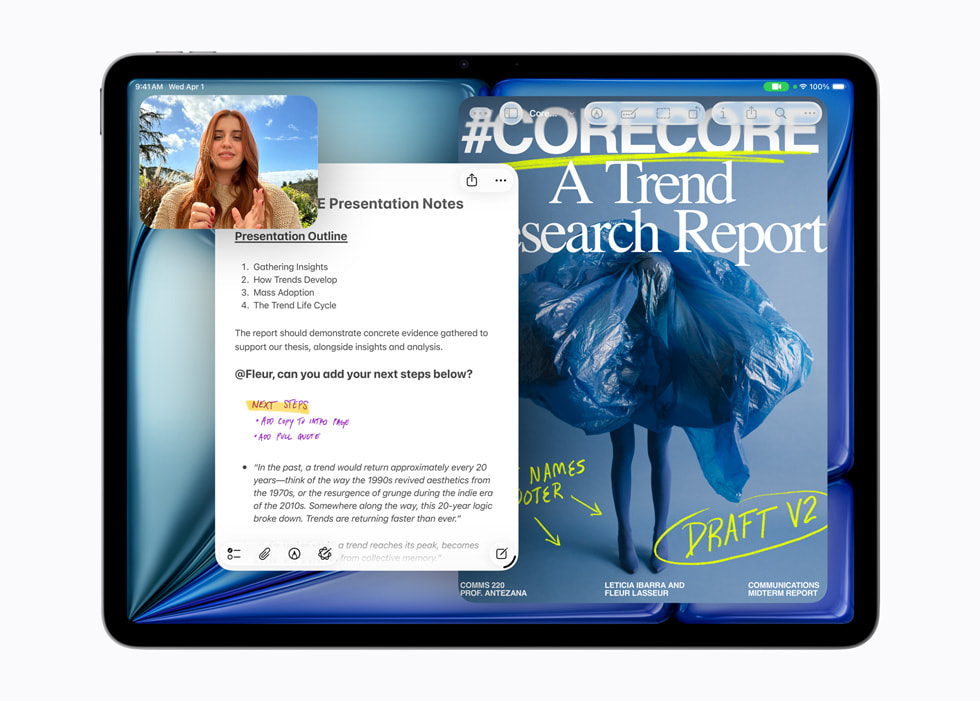
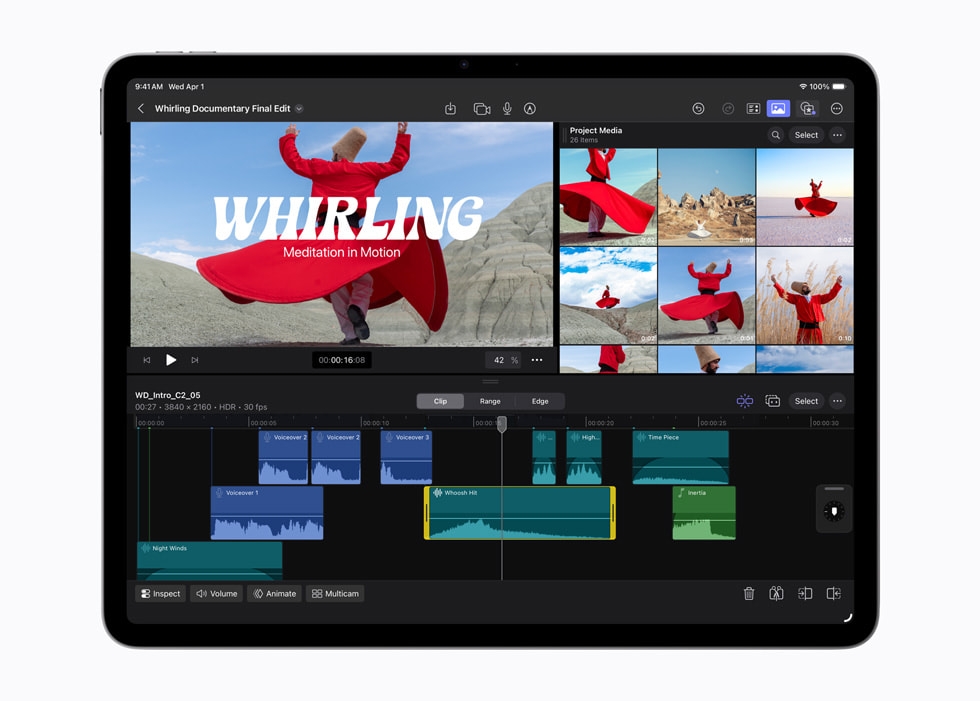
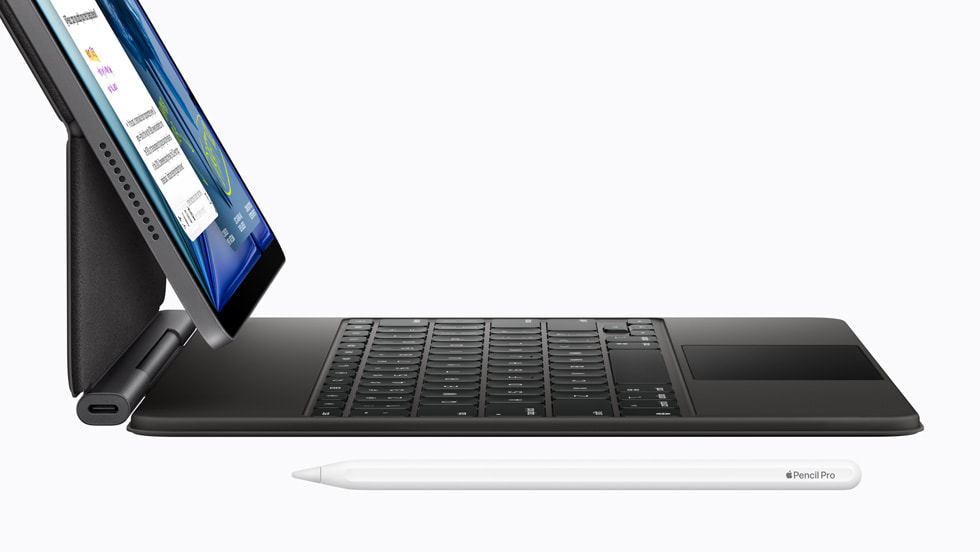
The M4 iPad Air is the default iPad for most people. Start here, then spend more only for a Pro feature that changes what you can do.
This is not a cheap iPad Pro. It is the rational middle of the iPad line.
Why this is the starting point
The Air has the performance and accessories that cover the jobs most people picture when buying an iPad: notes, drawing, reading, streaming, schoolwork, travel, and light creative work.
Apple gives the M4 model 12GB of memory, 11- and 13-inch sizes, and support for Apple Pencil Pro and Magic Keyboard. Apple announcement
The 11-inch, 128GB Wi-Fi model currently starts at $749 in the US. Apple US pricing
That is already serious money. Spend first on the screen size and storage you will use, not on a Pro badge.
What the Pro money buys
The iPad Pro earns its premium through specific hardware: tandem OLED, 120Hz ProMotion, Thunderbolt, Face ID, and other upgrades that matter to particular workflows. Apple specifications
Its 11-inch model currently starts at $1,199. Apple US pricing
That extra $450 can be sensible if you draw for hours, need fast external storage, care strongly about OLED and 120Hz, or use another Pro-only feature every week.
If you cannot name that feature, keep the money. Our iPad Pro M5 analysis reaches the same decision from the other side.
Choose the Air carefully
Pick 13 inches for workspace, not prestige. The larger canvas helps with split-screen work, documents, and drawing, but it is less comfortable to hold and carry.
Buy enough storage before buying more processor. Files, downloads, games, and creative projects can make 128GB feel tight. The M4 is unlikely to be the weak link in ordinary use.
Treat the keyboard as a separate purchase decision. If you expect the iPad to replace a laptop, check the exact apps and file workflows first. A fast chip does not turn iPadOS into macOS.
Before you buy
Ask one question:
Which task would be materially better on the Pro?
If the answer is OLED, 120Hz, Thunderbolt, Face ID, or a specific professional workflow, compare the Pro.
If the answer is browsing, notes, streaming, drawing, school, or normal office work, start with the Air.
Bottom line
The M4 iPad Air is the iPad most people should buy first.
Choose the size and storage that fit your work. Move to the Pro only when one of its actual features—not its name—earns the difference.
Specifications
Documented facts
Key specifications
- Display sizes
- 11-inch or 13-inch Liquid RetinaApple
- Chip
- Apple M4; 8-core CPU and 9-core GPUApple
- Memory / storage
- 12 GB unified memory; 128 GB, 256 GB, 512 GB, or 1 TB storageApple
- Keyboard / stylus
- Apple Pencil Pro, Apple Pencil (USB-C), and Magic Keyboard supported; sold separatelyApple
- Software
- iPadOS 26 at launchApple
Sources & evidence (4)
Trace the evidence
Sources
Linked sources are the underlying evidence. Fit judgments and explanations marked “Our analysis” are our interpretation.
- Official specification
Apple · Apple introduces the new iPad Air, powered by M4 ↗
Accessed
- Official specification
Apple · Buy 11-inch iPad Air — Apple US ↗
Accessed
- Official specification
Apple · Shop iPad Pro — Apple US ↗
Accessed
- Official specification
Apple · iPad Pro 11-inch (M5) — Tech Specs ↗
Accessed
Keep exploring
Software / product analysis
Descript Review: Editing Video Like Text Has Its Limits
Descript makes spoken-word video easier to navigate through a transcript. The catch is visual continuity—and choosing a current plan by media hours and AI credits.
Software / product analysis
ElevenLabs Review: The Voice Is Only Half the Decision
ElevenLabs makes script-to-speech narration appealing, but commercial rights, credit costs and pronunciation checks matter as much as the voice demo.
Software / product analysis
OpusClip Review: When AI Clipping Is Worth Paying For
OpusClip can turn long videos into short clips. Here is when that shortcut earns its cost, when it adds cleanup, and which free-plan limits matter.